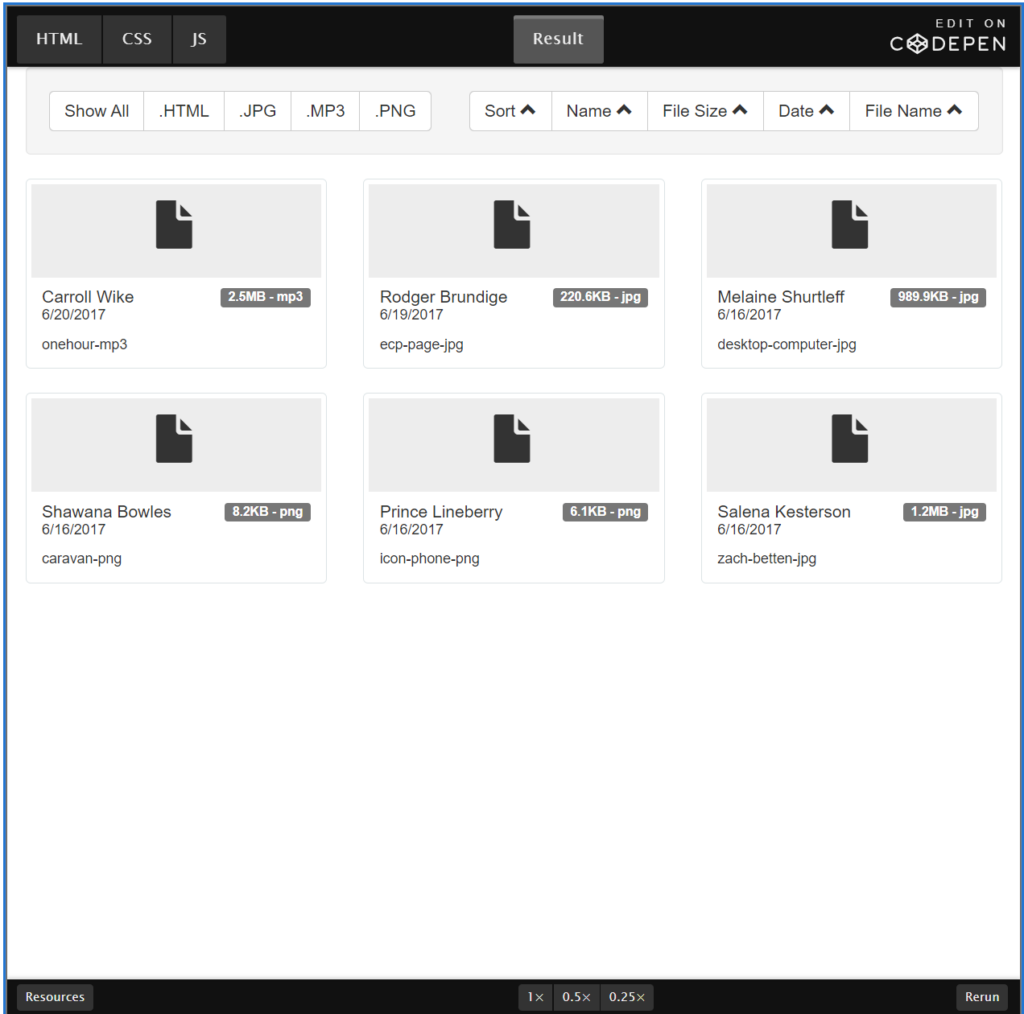

We worked on a project where we had a media library. We decided to use Isotope to filter/sort through a list of all the media items available. We wanted to the user to be able to sort through the items in both Ascending / Descending order. Below is how we accomplished that.
By default, Isotope sorts ascendingly: A, B, C and 1, 2, 3. To sort descendingly Z, Y, X, and 9, 8, 7, setsortAscending: false.
// sort highest number first
$grid.isotope({
  sortBy: 'number',
  sortAscending: false
});
We first added a data-attribute called data-sort-direction="asc" on a button element. When the button is clicked we get the data-sort-direction="asc" data-attribute value and convert that value to a boolean. We then use that boolean to set our new direction and store that in a variable called newDirection to use later.
 /* convert it to a boolean */
    var isAscending = (direction == 'asc');
    var newDirection = (isAscending) ? 'desc' : 'asc';
We then pass in our isAscending value into the sortAscending property.
/* pass it to isotope */
    $grid.isotope({ sortBy: sortValue, sortAscending: isAscending });
The last bit of code we use is to change the value data-sort-direction="asc" to the value of newDirection. This is so that next time the button is clicked it will sort the items in the opposite order.
$(this).attr('data-sort-direction', newDirection);